

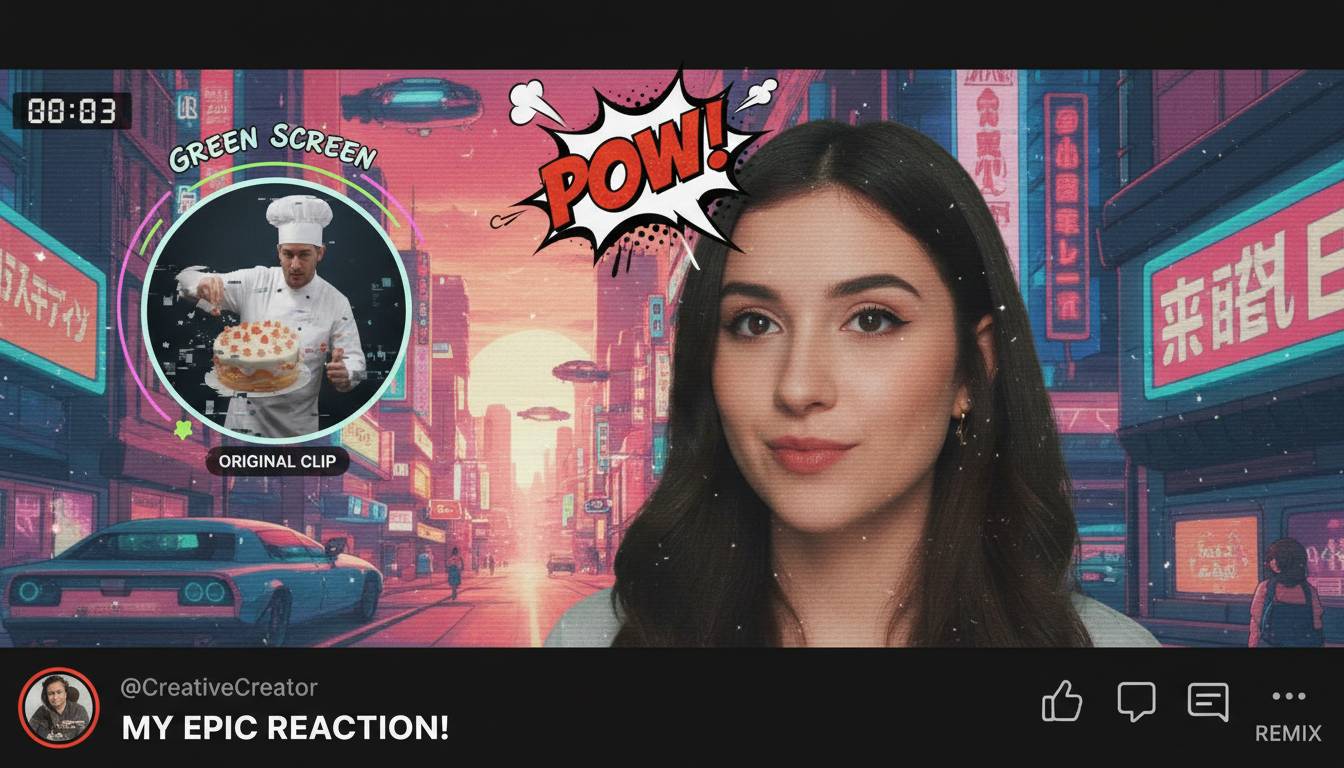
Here’s the most up-to-date rundown on YouTube Shorts features, freshly revealed — including AI-driven tools, parental controls, and third-party integrations. This first paragraph dives straight into what’s new and why it matters: YouTube has rolled out advanced AI generation (Veo 3 and creator likeness tools), editing enhancements, stronger parental controls, and direct integration with Adobe Premiere for mobile editing.
Moving on, you’ll find real-world examples, expert insight, and tips to leverage these updates. Let’s get into it.
AI-Driven Creativity Expands Imaginative Horizons
Recent updates have pumped up AI creation within Shorts, giving creators powerful tools at their fingertips.
- Text-to-video with Veo 3: In late 2025, YouTube embedded its advanced AI video generator, Veo 3, into the Shorts app. Creators can type a quick idea — like “a hummingbird flying through a neon jungle” — and get an 8-second video clip with cinematic motion, style, and sound.
- Photo-to-video and generative effects: By mid-2025, Shorts added features to animate photos, sketches, and selfies via Veo 2, soon upgrading to Veo 3. Users can bring still images to life with movements and stylized visuals.
- AI Playground: A new hub within the Shorts camera enables creators to explore tools like image-to-video animation, generative stickers, music, and more.
These creations are clearly labeled as AI-made and stamped with SynthID watermarking.
“These tools open up canvas-like possibilities—suddenly you’re not filming, you’re imagining, and it’s rendering instantly.”
Smarter Editing: Beat Sync, Templates, and Text Tools
YouTube has beefed up its Shorts editor to rival TikTok-style usability and speed.
- Revamped editing UI: Launched spring 2025 — creators can now zoom, snap, rearrange clips, overlay text/music, and preview in real time.
- Auto beat-sync: Select a song, and your video alignments follow the beat — no more manual editing.
- Enhanced templates and stickers: Add gallery photos to templates; original creators get automatic attributions. Soon, AI-generated stickers via text prompts will be available.
These updates streamline production and add polish without extra apps.
Creator Likeness and Automation: The AI Personal Assistant
Looking ahead to 2026, YouTube plans to deepen personalization with AI.
- AI Creator Likeness: Soon creators can generate Shorts featuring an AI-modelled version of themselves. It simplifies filming while keeping your face in the content.
- AI safeguards: YouTube is also building detection tools to prevent misuse and maintain authenticity.
Studio & Monetization: Smarter Tools and Rewards
Beyond creation, Shorts gets business features to make life easier for serious creators.
- Adobe Premiere integration: As of December 2025, you can edit and upload Shorts directly from Premiere mobile with multi-track timelines, customizable templates, Firefly AI effects, and more.
- Milestone views: Shorts crossed an astounding 200 billion daily views in mid-2025 — a sign of its soaring popularity.
Family-Friendly Controls: A Responsible Move
YouTube now offers stronger parental tools around Shorts, announced in January 2026.
- Usage limits & bedtime mode: Parents can set daily viewing caps, pause times, and sleep-wake restrictions specifically for Shorts.
- Multiple minor accounts: Easier management of multiple kid accounts within the app.
This reflects YouTube’s responsiveness to concerns about underage usage and mental health.
Real-World Effects: Creators React
These updates didn’t just drop quietly. Creators saw sharp results.
- Views count change : Shorts views now count start or replay — not minimum watch time. That boosted visible views, but earnings dropped for many due to reduced engagement weighting.
- Automatic upscaling backlash: Some creators noticed AI-added upscaling applied to their videos, altering intended aesthetics and generating frustration.
- Home feed imbalance (late 2025): Long-form videos saw an 80% drop in discovery as Shorts began dominating home feeds.
Quick Tips to Work with These Updates
- Use Veo tools wisely: Draft creative ideas fast, but keep human polish — voiceover, text, editing still matters.
- Leverage templates and beat-sync: Jump on trends quickly, especially if TikTok-like content is your goal.
- Control your visual style: If you’re worried about auto-upscaling, test uploads and monitor changes.
- Tap Adobe integration: For polished edits on mobile, Premiere has you covered.
- Set proper viewer expectations: With AI and parental controls entering the mix, be crystal clear on audiences with your metadata and communications.
Conclusion
YouTube Shorts now feels like a creative Swiss army knife: AI-generated video, beat-sync editing, parental controls, Adobe workflow integration, and robust monetization signals. The platform is clearly pushing to surpass competitors while balancing innovation with responsibility. For creators, the strategy is simple: experiment boldly, but stay authentic.
FAQs
What’s new in YouTube Shorts editing?
You get a refreshed editor with zoom-snap tools, real-time preview, auto beat-sync, improved templates, gallery stickers, and soon AI-generated stickers — all to help create slick content faster.
How does Veo 3 improve AI-generated Shorts?
Veo 3 can turn text prompts into short animated clips with style, movement, and sound — more realistic and integrated than previous tools.
Can parents limit Shorts usage?
Yes — YouTube now allows setting time limits, pause/sleep schedules, and easier minor account management for Shorts.
Is there a way to edit Shorts outside the YouTube app?
Adobe Premiere mobile now connects directly to Shorts, with templates, Firefly AI tools, multi-track editing, and one-tap uploading.












Leave a comment